Smoother Flows
Clear steps that reduce friction.
Interaction Design defines how users move through your product—shaping clicks, gestures, feedback, and micro-interactions so experiences feel intuitive, responsive, and easy to complete. It includes user flows, navigation patterns, UI states, micro-interactions, responsive behaviors, accessibility-first interactions, and usability improvements for web and mobile user experiences.
We design user flows, UI states, and interaction patterns for web and mobile—reducing friction with clear navigation, predictable behaviors, and accessible, consistent feedback.
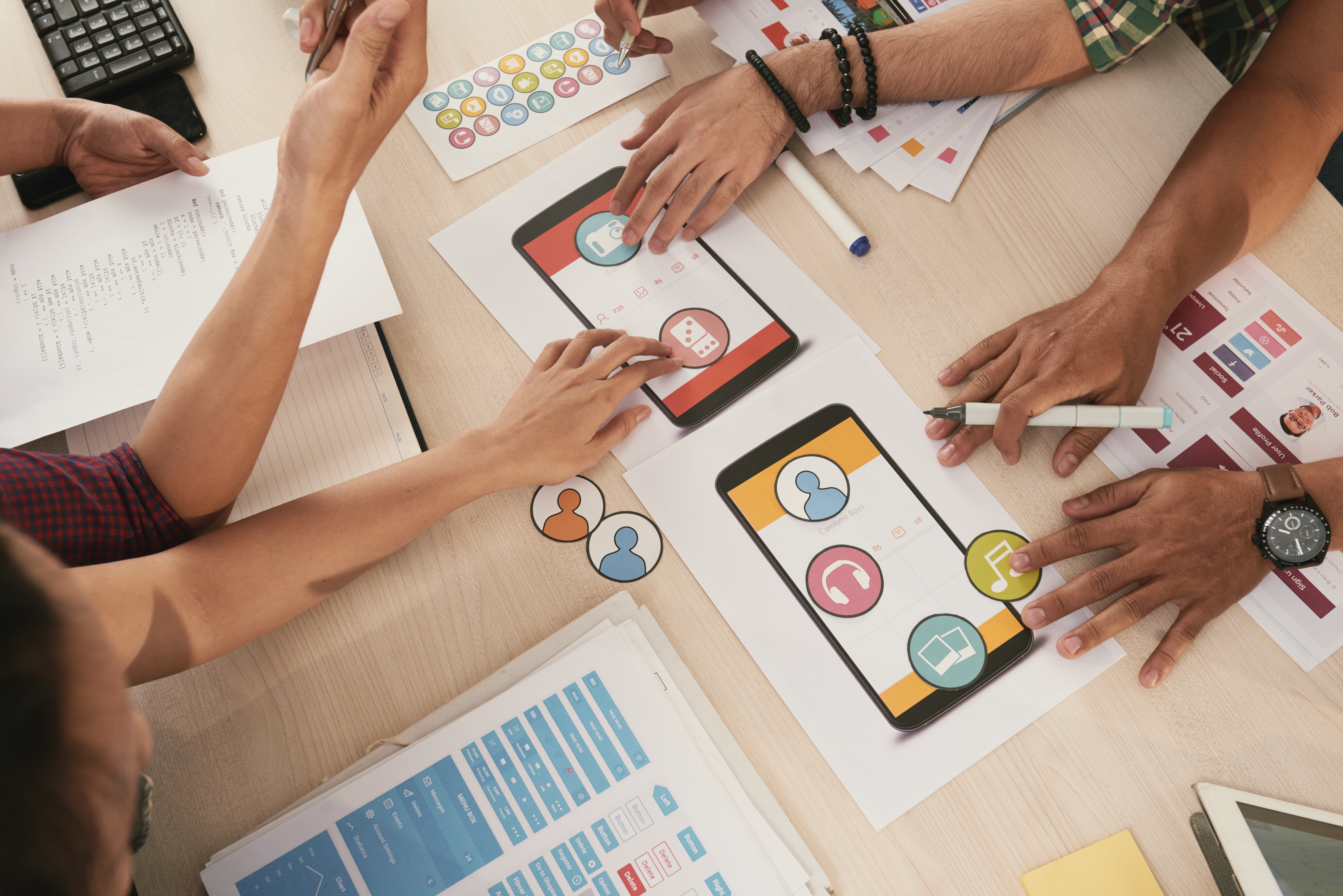
Improve usability and conversion by designing interactions that feel natural—so users complete tasks faster with fewer errors.
Clear steps that reduce friction.
States, confirmations, and guidance.
Keyboard, touch, and screen reader support.
Intuitive interactions that users remember.
We design interactions that are consistent and testable—covering user flows, states, component behavior, and validation.
Map key journeys, actions, and success paths for users.
Empty, loading, success, error, and edge-case behaviors.
Transitions, confirmations, and subtle guidance for clarity.
Validate usability and document patterns for reuse.
Interaction design is evolving toward adaptive experiences—where interfaces respond to context, personalize flows, and help users complete tasks with less effort.
Interfaces that adjust to user context.
Inline help and proactive suggestions.
Accessible animations that improve clarity.
Reusable interactions across products.